Invite Friends to FPL in 10 Seconds, Admin Steps & Live Tools

Head to Leagues & Cups, tap Options on your mini-league, then hit Invite friends. That screen hands you an auto-generated code and a shareable link, either one gets your mates in. They just need to register, verify their email, and punch that code into the "Join an Invitational League & Cup" screen. Simple as that, but the details trip people up more than they should.
TL;DR:
- Sharing a full invite link is easier for beginners because it directs them straight to the join screen, reducing confusion.
- League codes are case-sensitive and should be resent if mistyped, as they are a common cause of joining issues.
- A league's maximum of 30 private leagues per account can limit creating new ones each season, requiring administrative oversight.
- Sending clear instructions with a joining deadline helps prevent last-minute chaos and encourages timely participation.
- Using real-time standings and weekly awards via FPL.fun can significantly boost group engagement, especially after early Gameweeks.
Table of Contents
- Find your mini-league code or invite link (web and app)
- How to share the code or link without confusing anyone
- What invitees must do to join (a step-by-step checklist)
- Decide your settings and message before you hit send
- Troubleshooting common issues when inviting or joining
- Keep the group engaged after joining
- A short note on reducing friction and improving retention
- FPL.fun: a companion for live standings and engagement
- FAQ
Find your mini-league code or invite link (web and app)
On the official FPL help pages, the path is: log in, go to Leagues & Cups, pick your league, tap Options, then Invite friends. From there you can copy the code or grab the shareable link. It genuinely takes about ten seconds once you know where to look.
- Log in to fantasy.premierleague.com or open the app.
- Tap Leagues & Cups, then select the league you're inviting people to.
- Choose Options, then Invite friends.
- Copy the code or use the share button for the link.
The app version follows the same logic, just tucked into slightly different menus depending on your phone. Worth knowing: you can run up to 30 private leagues on one account, so if you're the type who starts a new one every season "just for banter," there's a ceiling eventually.
Pro Tip: Screen-record the process once on your phone and send that clip to your group chat instead of typing instructions every August.
How to share the code or link without confusing anyone
Sharing the code works fine for people who already know FPL. Sharing the full link is better for total beginners, since it drops them straight into the join screen without them hunting for the right menu.
- WhatsApp or group chat: fastest option, best for casual friend groups who'll actually read it.
- Email: better for work leagues or family leagues where not everyone is glued to their phone.
- Slack: works well if the league is tied to a workplace channel that already exists.
- Social posts: fine for public leagues, risky for private ones since anyone can grab the code.
- Printed card: a nice touch for an office or pub league, and the Premier League even offers invitation card designs for exactly this.
For experienced players, something short works: "Join my FPL league, code XXXXX, get in before Gameweek 1." For beginners, spell it out: "Never played FPL? Register at fantasy.premierleague.com, pick a squad, then use this code to join my league: XXXXX."
Pro Tip: Always include a joining deadline. The Premier League's own guidance notes that a stated deadline cuts down on last-minute chaos before the season starts.
What invitees must do to join (a step-by-step checklist)
New managers need a clear runway, not a scavenger hunt. Here's the order that actually works:
- Register at fantasy.premierleague.com or in the app, then verify the email address.
- If it's a first FPL season, use the beginner-friendly registration flow, including the 'Generate team' option if picking 15 players from scratch feels daunting.
- Go to Leagues & Cups, tap Join a League, then Join an Invitational League & Cup, and enter the code the admin sent.
- Set a captain and lock in a starting XI before the Gameweek 1 deadline.
First-timers in 2026/27 are automatically entered into the global Rookie League, which takes some pressure off since they're not straight into the deep end against seasoned veterans. If they're stuck on player picks, a quick read of who to target for that first squad saves a lot of second-guessing.
Decide your settings and message before you hit send
Classic scoring ranks everyone by total points across the season, simple and familiar. Head-to-head pits managers against each other week by week, more like a mini tournament. Pick one before you invite anyone, not after the first argument about "why don't my points count against Dave's."
- Decide private or public, and whether there's a prize on the line.
- Set a joining deadline, ideally before Gameweek 1 kicks off.
- Tell people upfront whether they're expected to pick a starting XI for the opening weekend or if it's a "just get in whenever" league.
For casual mates: "No pressure, join whenever, just don't be rubbish." For onboarding: "Register first, then use this code, and try to have your first XI sorted before kickoff so you're not sat on zero points in week one."
Pro Tip: Naming the league something daft helps too. A team name generator is a fun icebreaker for anyone who can't think past "Team [surname]".
Troubleshooting common issues when inviting or joining
Most joining problems come down to a handful of repeat offenders.
- Mistyped code: ask the admin to resend it, codes are case-sensitive and easy to fumble.
- League full: check whether it's hit a cap and ask the admin about starting a second one.
- Account not verified: check the inbox (and spam folder) for the confirmation email before trying again.
- Joined the wrong league: leave it and re-enter using the correct code, it happens more than people admit.
- Link not working: try clearing the browser cache or switching to the app.
If none of that fixes it, the official FAQ and help pages have a support contact route. Include your account email, the league code, and a screenshot of the error when reaching out, it speeds things up considerably.
Keep the group engaged after joining
Getting people into the league is only half the job, keeping them checking in every week is the actual win. Instant standings and live bonus point updates give you a reason to post in the group chat mid-match instead of waiting until Monday when everyone's already moved on.
- Run a "manager of the week" or something equally daft as a recurring joke.
- Announce transfers before the deadline to spark a bit of pre-match trash talk.
- Use a three-step opening week: welcome message, a nudge on transfer ideas, then announce the first weekly award once scores settle.
FPL.fun's own tools describe features built around exactly this, quirky weekly awards and real-time standings designed to keep a group's banter going rather than fizzling out by October. A tutorial on showing live standings to your group is worth a look if you want the chat active every single Saturday.
A short note on reducing friction and improving retention

The leagues that last aren't the ones with the biggest prize pot, they're the ones where the admin bothered to explain things properly on day one. I've seen leagues lose half their invitees simply because nobody said what classic versus head-to-head meant, or forgot to mention a deadline existed.
Be the admin who spells it out. Rookies stick around when the first step feels obvious, not when they're left guessing.
— Przemek
FPL.fun: a companion for live standings and engagement
Once your league's full, FPL.fun gives you instant standings, live bonus points, and quirky weekly awards so the group has something to check beyond the official app's slower updates.
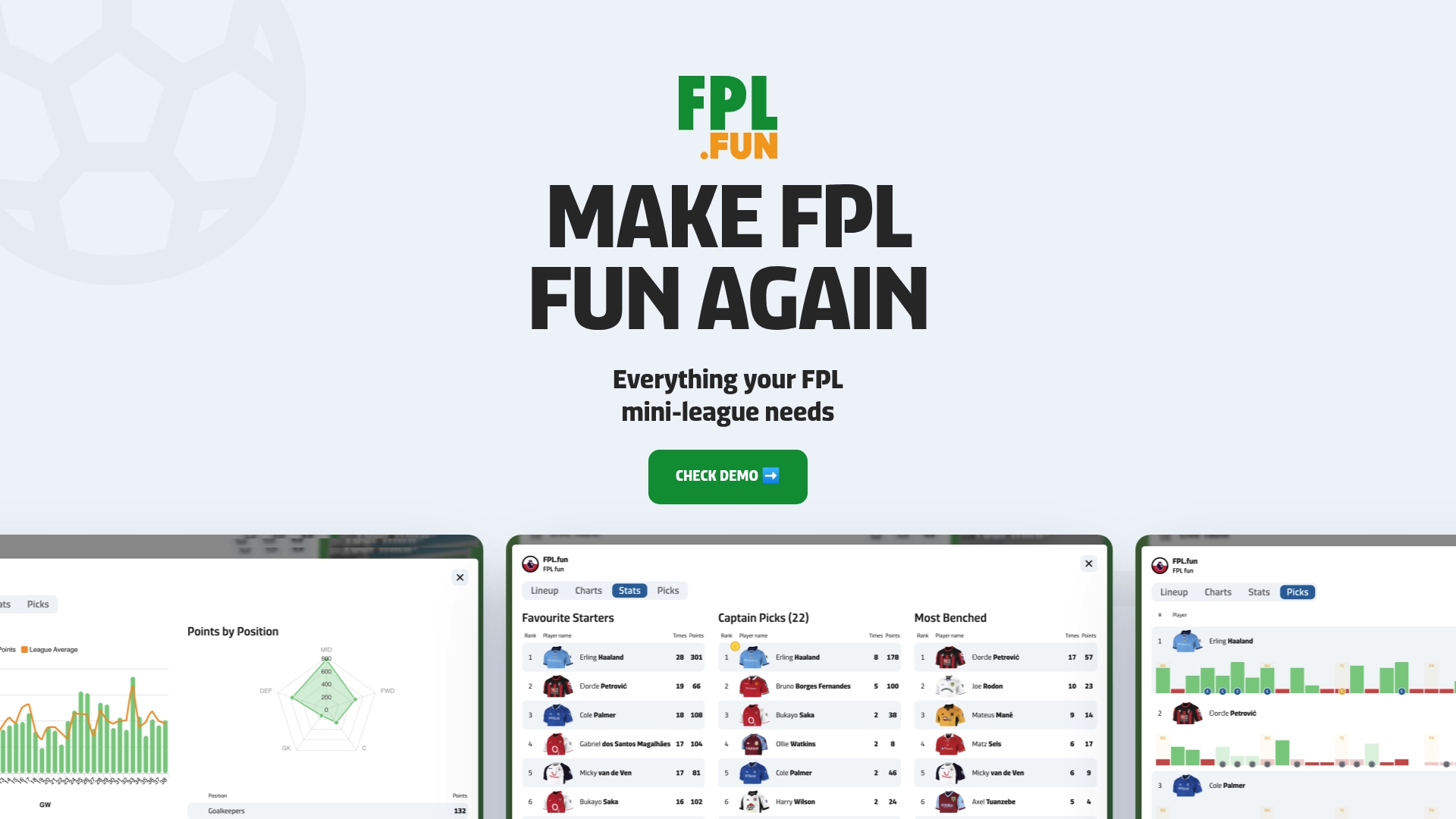
- Instant standings update as matches happen, no waiting for the official site to catch up.
- Weekly awards add a bit of daft recognition alongside the serious rank chasing.
- Tutorials cover finding your league ID and getting your group set up properly.
If your league tends to go quiet after Gameweek 3, it's worth exploring FPL.fun and seeing what a free trial adds to your setup. Current prices and plans are available on the pricing page.
FAQ
How do I invite someone to my fantasy league?
Go to Leagues & Cups, select your league, tap Options, then Invite friends to copy the code or share the invite link. The official FPL help pages confirm this is the same workflow on both web and app.
Why can't I join my friends in the FPL league?
The most common causes are a mistyped code, an unverified email address, or a league that's already reached its cap. Double-check the code with the admin and confirm your account is verified before trying again.
Where can I find the FPL invite code?
Your admin generates it under Leagues & Cups → Options → Invite friends inside their own account, then shares it with you directly. You cannot generate a code for a league you didn't create, you can only enter one you've been given.
How do I send an FPL link?
After tapping Invite friends in your league's Options menu, use the share button to copy a link rather than just the code. Sending the link is often easier for beginners, since it drops them straight onto the join screen instead of requiring them to find it themselves.