Track Your Closest 2–3 Rivals' FPL Teams After Each Deadline

Yes, you can see a rival's squad and transfer history, but only up to the last completed deadline. Any moves made for the upcoming Gameweek stay hidden until that deadline passes, no matter how hard you refresh. Live ranks and points shift during matches, but unconfirmed transfers simply will not show until the official system catches up. Knowing this timing gap stops you reading too much into a rival's silence.
TL;DR:
- Transfer history is only fully visible after the last completed deadline, with moves for the upcoming Gameweek hidden until the deadline passes.
- During a Gameweek, live scores and automatic substitutions update in real time, while rivals' transfers for the next Gameweek stay hidden until its deadline passes.
- Focus on monitoring two to three closest rivals for meaningful insights, checking their transfer history immediately after deadlines.
- Third-party trackers cannot reveal unconfirmed transfers before deadlines, but they effectively display rank changes and bonus points once processed.
- Using tools like FPL.fun provides real-time standings, rival comparisons, and automatic substitution tracking, enhancing your competitive edge.
Table of Contents
- What the official FPL site shows about rivals
- Step by step: how to read a rival's transfer history
- What updates live and what stays hidden during a Gameweek
- Watch your 2-3 closest rivals, not the whole league
- Tools that extend what the official site shows
- An active manager's take on rival tracking
- Get instant rival insight with FPL.fun
- FAQ
- Sources
What the official FPL site shows about rivals
Open any manager's profile in your mini-league and you get three useful tabs: squad, transfers and history. The transfer history page lists every move with a timestamp, the player in, the player out and the Gameweek it applied to.
Here's the catch that trips up most managers. That history stops dead at the last completed deadline for anyone who is not the account owner. Even if you are logged in and staring at a rival inside your own league, their transfers for the upcoming Gameweek will not appear until the deadline has passed and the gameweek's moves are processed.
Once that deadline clears, you get a fuller picture:
- Chips played for that Gameweek, clearly marked against the relevant week.
- Adjusted team value and bank balance, where the site displays it.
- The full, dated transfer log for every prior Gameweek.
What you will not see before the update: any transfer made for the upcoming Gameweek while the deadline is still open. That data simply does not exist on the public side yet.
Step by step: how to read a rival's transfer history
Checking a rival's moves takes under a minute once you know where to click.
- Open your mini-league table and tap the manager whose team you want to inspect.
- On their profile, select "Transfers" to load the full timeline, each row tagged with a Gameweek and a timestamp.
- Read the listing carefully. A transfer tagged to Gameweek 19, say, applied before that week's deadline, not during it. Price-change notes sometimes sit alongside a player's name on the transfers interface, which is worth checking if you are trying to work out why a rival sold early.
The limitation bears repeating: anything done for the next Gameweek before its deadline will not show until that deadline has passed and the data refreshes.
Pro Tip: Check straight after each deadline, not during the build-up. That is the only moment the full picture actually exists.
What updates live and what stays hidden during a Gameweek
During matches, a fair amount moves in real time. Goals, assists, clean sheets and bonus points get processed into live scores fairly quickly, and your mini-league rank shifts as those events land. Live trackers can also show automatic substitutions as they are triggered, before the official site confirms them.
What you cannot see is the one thing most managers actually want before kick-off: a rival's transfers for the upcoming Gameweek. They stay invisible until the deadline passes and the system updates. Once it does, their new squad, captain and any chip become visible, so by the time matches are underway you can check exactly which player is driving a rival's live score.
Managers have two sets of chips across the 2026/27 season, one per half, and only one chip can be played per Gameweek, which narrows down what a rival's live score swing might mean.
Things worth tracking mid-match without jumping to conclusions:
- Rank movement, which reflects processed events, not predictions.
- Auto-subs, which only confirm who actually played, not who a rival expected to play.
- A sudden point spike, which is far more likely to be a bonus points update or a captain haul than anything you missed in their lineup.
Watch your 2-3 closest rivals, not the whole league
Trying to monitor fifteen teams in a large mini-league is a fast route to doing nothing useful with the data. Pick your two or three nearest rivals by points and focus there. Track their captain choices, how many chips they have left, and whether they tend to repeat the same transfer pattern week after week.
Blocking a rival's captain or transfer is a genuinely useful defensive tactic when you are protecting a lead. Mirror their pick and you cut down the swing they could otherwise use to close the gap. If you are chasing instead, look for predictable rotation or a chip they are clearly saving for a Double Gameweek, and time your own move to exploit it.
A simple weekly routine makes this manageable:
- Check transfer histories the moment each deadline passes, before the next round of fixtures starts.
- Note any chip played and cross it against what is left in their locker.
- Set a short watch window right after each deadline, since that is when a rival's late transfers, captain pick and chip play all become visible at once.
Pro Tip: Keep a running note of your closest rival's chips used. It takes thirty seconds a week and saves you from a nasty Triple Captain surprise in May.
Tools that extend what the official site shows
Third-party trackers typically add a side-by-side view of your team against a rival's, a live mini-league rank ladder, and quick visual flags for chips used or bench points banked. Some generate shareable charts for group chats, which is where a lot of the banter actually happens.
None of them can show you a rival's unconfirmed in-deadline transfer. That data is not exposed anywhere before the deadline, official site or otherwise, so any tool claiming otherwise is guessing. What a good tracker can genuinely do is make rank movement and bonus point swings visible the moment they are processed, rather than making you refresh a spreadsheet by hand.
That is the gap our live standings close. We track instant mini-league ranks, live bonus points and automatic substitutions as matches happen, so you are not stuck waiting on a slow refresh to find out who actually gained ground.

An active manager's take on rival tracking
Chasing every team in a sixteen-manager league is how you burn an evening and learn nothing. We would rather check two rivals properly than glance at twelve badly. Follow the deadline rhythm, read the transfer history once it updates, and let live rank movement tell you the rest during matches. For more detail on reading those timelines, our guide to tracking rivals goes deeper.
— Przemek
Get instant rival insight with FPL.fun
Chasing updates across a dozen browser tabs gets old fast, and the official site only tells you so much mid-Gameweek. We built FPL.fun to close that gap: instant mini-league standings, a side-by-side rival comparison view, live bonus points, and automatic substitution tracking, all updating as matches happen rather than waiting on a slow refresh.
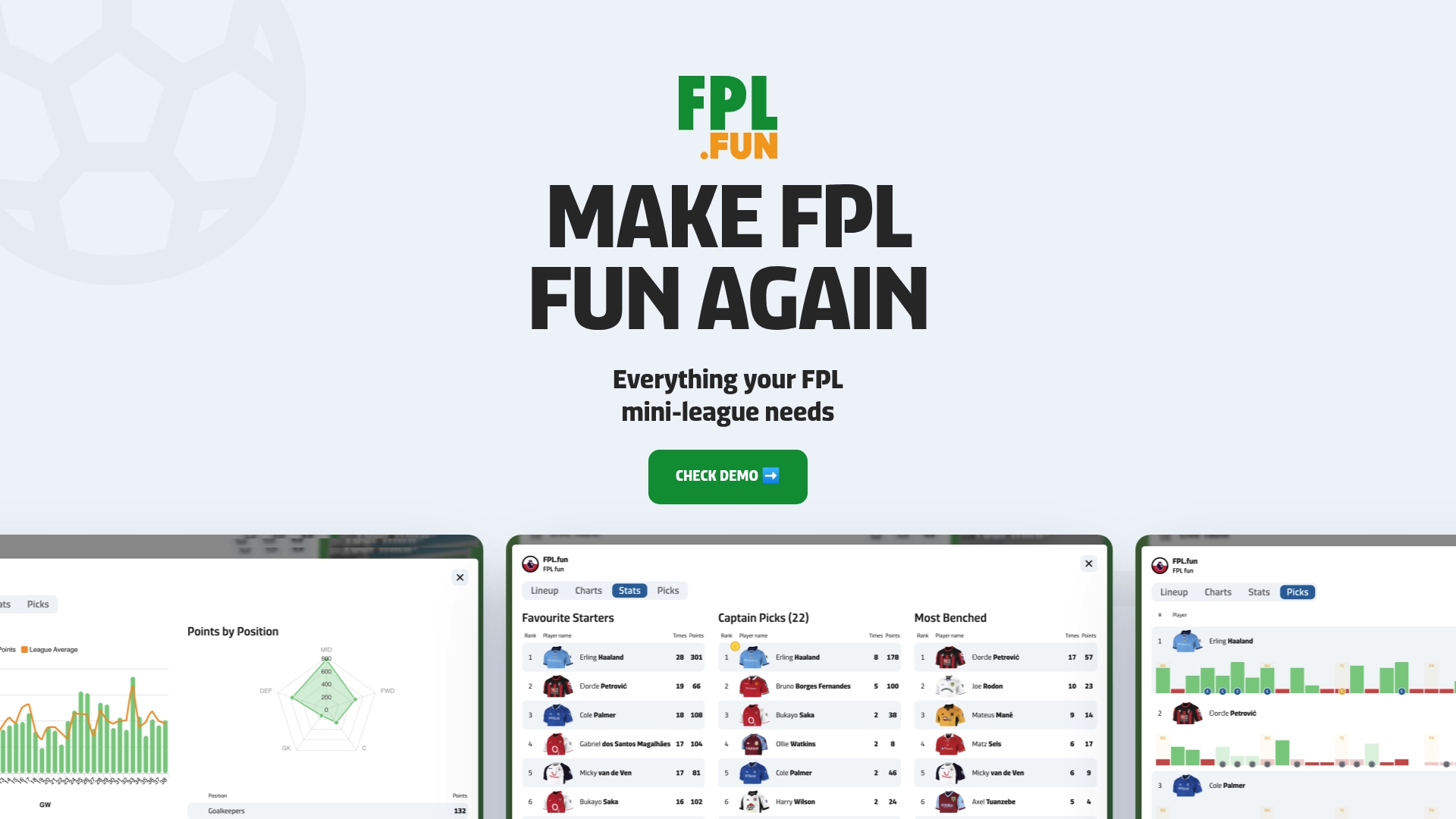
Here's what you get the moment you join a league:
- Live standings and rank movement as events are processed, not after a long delay.
- A rival comparison view that puts your squad next to theirs.
- Auto-subs tracked automatically, so you know who actually played before the official update catches up.
- Chip indicators and shareable charts for the group chat, because a good rivalry deserves evidence.
Head to our live standings page to see your league update in real time, or start with the free trial and see how your closest rivals stack up this week.
FAQ
How do I see other teams in FPL?
Open your mini-league table, tap any manager's name, and you will land on their team profile with squad, transfers and history tabs. Transfer data only goes as far as the last completed deadline for anyone who is not the account owner.
Which FPL team is the best to watch this week?
The most useful team to watch is whichever rival sits closest to you in the table, since their captain picks and remaining chips have the biggest direct effect on your rank. Watching the league leader is interesting, but it rarely changes what you should do.
Should I triple captain in Gameweek 33?
That depends entirely on your fixtures, your captain's form and which chips you have left, since managers get two sets of chips across the 2026/27 season and only one can be played per Gameweek. Check your nearest rivals' remaining chips first, since playing yours into a week they are also targeting can cancel out the advantage.
How to see your team value in FPL?
Your own team value and bank balance sit on your squad page, updated after every price change. For a rival, that figure only becomes visible once the relevant deadline has passed and their transfer history updates.
Sources
- Fantasy Football Transfer History | Fantasy Premier League
- FPL basics explained: How to make transfers